2025AI & Full-Stack Engineer
Part photos with AI background removal
A tool for photographing parts with automatic background removal on the GPU. Four AI models (Remover, BiRefNet, BiRefNet-Lite, RMBG-2.0), photos taken from a phone through the browser and a QR code, no dedicated app. Part of the Stacja ecosystem.
- 0,8 s
- per processed image
- 4
- AI segmentation models
- iOS + Android
- without native apps
- Python
- CustomTkinter
- Node.js
- PyTorch
- HTML / JS
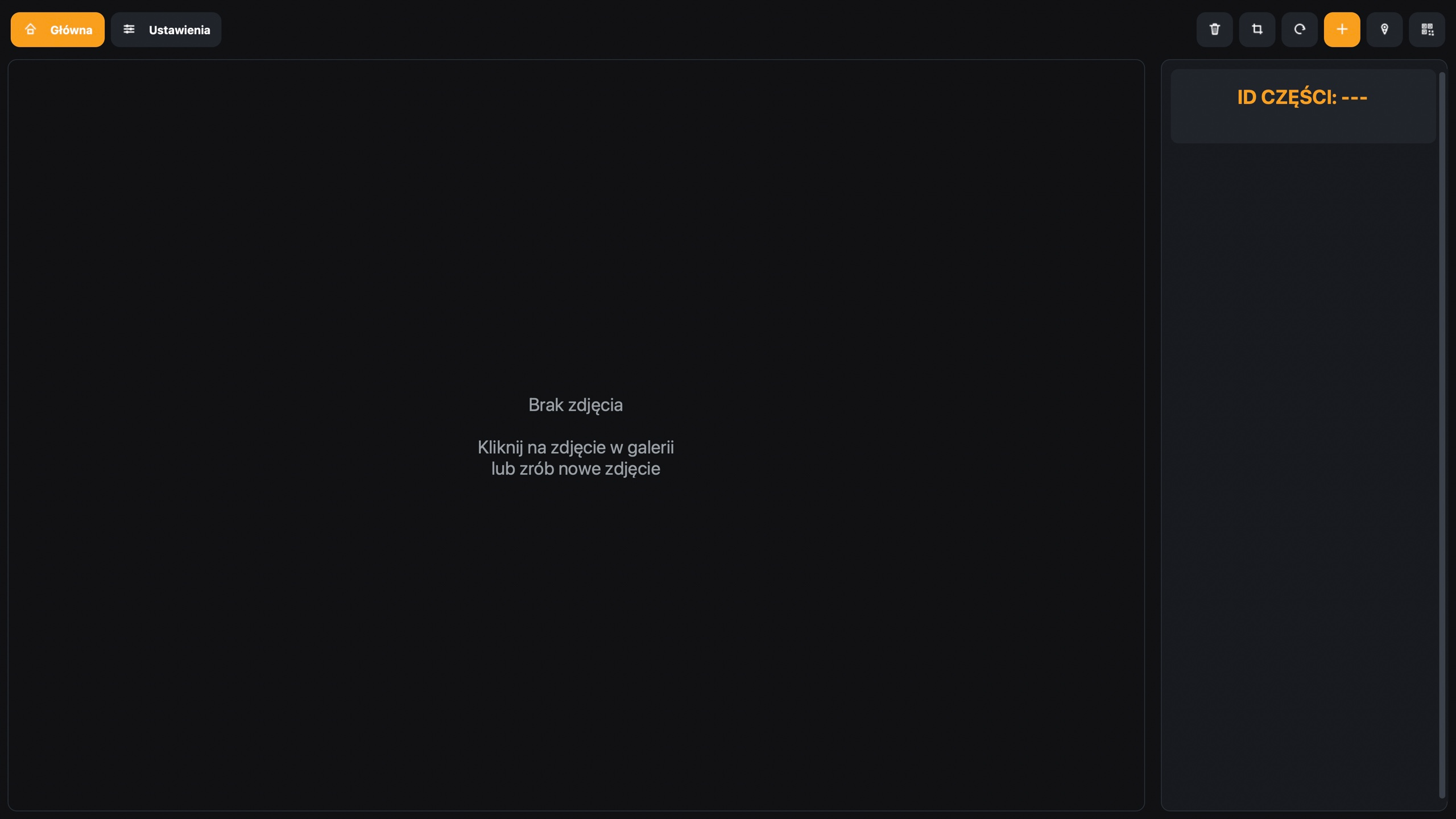
Overview
Allegro requires a white background for new items. The old photo tool, wired into the first version of Stacja, had no AI. It cut the background by colour: it guessed where the background and similar shades were and removed that area. To make it work, the staff had to overexpose the photos, because only a bright background could be cut out.
The result was poor. Black parts came out grey, and with similar colours the tool cut too much or too little.
I wrote a new tool from scratch, "Fotki". It runs mainly on Python with the CustomTkinter library, plus Node.js and HTML. It replaced colour-based cutting with models that recognise the object itself, so overexposing the photos was no longer needed.
A phone instead of a DSLR
Photos were meant to be taken with a DSLR at first. I showed management that modern phones shoot at a very good level and are far handier than a big DSLR. I won them over to the phone and built the whole process around it.
To speed up development, I didn't build separate Android and iOS apps. The Python program starts a local Node server and shows a QR code. A worker scans it with their phone and opens a page in the browser, the same one on Android and iOS.
I build the program to an exe. Launched on its own, it requires a login. Launched from Stacja, it logs in the current user straight away, so the photographer doesn't enter a password twice.
Photos from the browser
After scanning the QR code, a simple page opens on the phone. The worker scans the part's barcode, the same one shown in the part details and on the printed label, or types the id by hand. The program checks whether the part is in the database and whether it already has photos. If photos exist, they appear right away in the Python window.
From the phone you take more photos or delete the last one. The limit per listing is 16 photos, so the program shows a notice once you reach it.
Background removal on the GPU
A photo from the phone goes to the program, PyTorch moves it to the graphics card, and the model removes the background. I keep the models loaded in the card's memory, so a single photo is processed in about 0.8 seconds.
There are four models to choose from: Remover, BiRefNet, BiRefNet-Lite and RMBG-2.0. Each handles tricky shapes and colours differently, so the photographer picks the one that cuts a given part best.
A single photo is processed in about 0.8 seconds, and black parts finally come out black, with no overexposing.
In the window you rotate and crop the photo. Photos also crop automatically, so even long parts keep the minimum dimensions required to list on the marketplaces.
Locations
The program suggests where to put a given part in the warehouse. That way the worker taking photos sorts the parts at the same time, instead of leaving it for a separate step.
Confirming sends the photos to the server, from where they land on the listings.
Results
- Background removal on the GPU with four AI models, one photo in about 0.8 seconds, no overexposing, so black parts finally come out black.
- A phone instead of a DSLR: photos through the browser and a QR code, no dedicated app, the same on Android and iOS.
- Automatic cropping to the marketplaces' minimum dimensions, and a notice once the 16-photo limit is reached.
- Tied into Stacja: login carries over automatically, and the location hint lets workers sort parts while shooting.
Got a process that eats your time? Write to me.
Get in touch